
Learn how to use AI safely as a student. Discover privacy tips, online safety rules, age requirements, and responsible ways to use AI for schoolwork.
How to Use AI Safely: A Guide for School Students
Artificial Intelligence (AI) can help students understand difficult topics, practice new skills, organize study notes, and explore creative ideas. But using AI also comes with responsibilities.
Students need to know how to protect their personal information, choose suitable tools, recognize unsafe advice, and follow school rules.
The good news is that a few simple habits can help you use AI more safely and responsibly.
In this guide, you will learn practical AI safety rules for school students, what information you should never share, and when to ask a trusted adult for help.
What Does It Mean to Use AI Safely?
Using AI safely means using AI tools in ways that protect your privacy, support your learning, and reduce the risk of harm.
It includes:
- Keeping personal information private
- Using tools that are suitable for your age
- Following school rules and instructions
- Thinking carefully before acting on AI advice
- Recognizing suspicious links, requests, or responses
- Asking a trusted adult for help when something feels wrong
AI can be useful, but it does not always understand your situation or provide suitable advice. You should remain in control of what you share and how you use its responses.
If you are new to AI, start with What Is Artificial Intelligence (AI)? A Simple Guide for School Students.
1. Never Share Sensitive Personal Information
One of the most important AI safety rules is to protect your personal information.
Before entering anything into an AI tool, stop and ask yourself: Does this tool really need to know this information?
Avoid sharing:
- Your passwords or login codes
- Your home address or live location
- Your personal phone number
- Your school ID or student identification details
- Private school records or report cards
- Bank details or payment information
- Private information about friends, classmates, or family members
For example, if you want help writing a school timetable, you do not need to provide your full name, home address, or student ID.
Use general information instead, such as: “Help me create a weekly study timetable for a Class 7 student.”
Remember: Do not assume that information entered into an AI tool is automatically private. Read the tool’s privacy information with help from a parent or teacher when necessary.
2. Use AI Tools That Are Suitable for Your Age
Not every AI tool is designed for every age group.
Some tools have minimum-age requirements, and some require parental permission or supervision for younger users. These requirements can differ by service and country.
Before using a tool:
- Check its official age requirements.
- Read the rules for younger users.
- Ask a parent or teacher if you are unsure.
- Follow any school or family restrictions.
- Never enter a false birth date to bypass an age limit.
Do not assume that a tool is suitable for you simply because it is popular or easy to access.
If your school provides an approved AI tool, follow your school’s instructions for using it.
3. Be Careful With Photos, Documents, and Uploaded Files
Some AI tools allow users to upload images, PDFs, documents, audio recordings, or other files. These features can be helpful, but uploading a file may share more information than you realize.
Before uploading anything:
- Check whether it contains your name, address, or other personal details.
- Avoid uploading private documents or confidential school records.
- Get permission before sharing someone else’s photo, voice, or work.
- Follow the tool’s rules and your school’s policies.
- Ask a parent or teacher if you are uncertain.
For example, if you want AI to explain a science diagram, use a suitable diagram from your learning material rather than uploading a document containing your personal information.
Never upload a classmate’s photo, private conversation, or personal document without appropriate permission.
4. Do Not Believe Every AI Response
AI can produce incorrect facts, misleading explanations, outdated information, or advice that does not fit your situation.
This matters when you are using AI for homework, projects, or personal questions.
Before relying on an important answer:
- Compare it with your textbook or trusted educational resources.
- Check important facts and calculations.
- Look for reliable evidence.
- Ask your teacher if the information remains unclear.
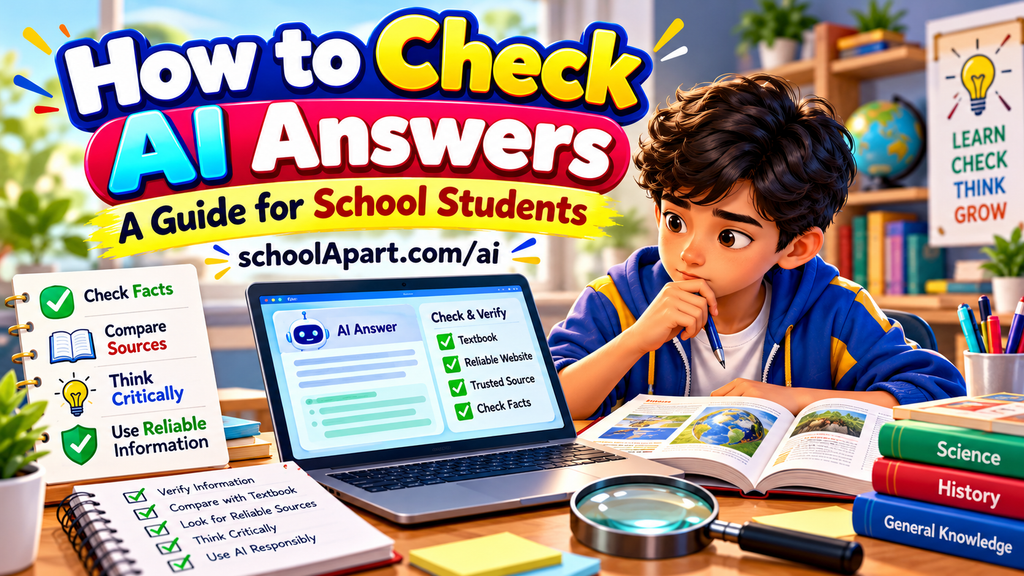
Read our guide on How to Check AI Answers for practical fact-checking steps.
For health, safety, or other serious personal concerns, do not rely on AI alone. Speak with a trusted adult or an appropriate professional.
5. Think Before Following AI Advice
AI may suggest actions that are unsuitable, impractical, or unsafe in your circumstances.
Do not automatically follow advice that involves:
- Taking medicine or changing a treatment
- Trying dangerous experiments
- Meeting an unknown person
- Sharing private information
- Spending money or making purchases
- Breaking school or family rules
- Doing something that makes you feel unsafe
If an answer seems strange, risky, or uncomfortable, stop. Do not follow it just because an AI tool suggested it.
Ask a parent, teacher, or another trusted adult to help you decide what to do.
6. Watch Out for Suspicious Links and Requests
Some websites and messages may pretend to offer AI services to collect personal information, passwords, or payments.
Use these precautions:
- Visit official websites or approved school platforms.
- Be cautious about unexpected links and pop-ups.
- Do not share passwords or verification codes.
- Do not download unknown files just because a website recommends them.
- Ask an adult before paying for an AI tool or subscription.
- Leave a page if it asks for unnecessary sensitive information.
Never assume that a website is trustworthy just because it uses the words “AI,” “smart,” or “official” in its name.
7. Respect Other People’s Privacy and Work
Responsible AI use includes respecting the privacy, identity, and work of others.
For example:
- Do not upload another person’s private messages without permission.
- Do not use AI to create harmful or humiliating content about someone.
- Do not create or share fake images that could mislead or hurt people.
- Do not copy another student’s work and present it as your own.
- Follow copyright rules and school instructions when using AI-generated material.
If you use AI to brainstorm a story, prepare a presentation, or develop a project, add your own ideas and make sure your work follows your school’s rules.
AI should help you learn and create—not become a way to embarrass others or avoid your responsibilities.
8. Follow Your School’s AI Rules
Different schools may have different rules about AI use in homework, assignments, examinations, and projects.
Before using AI for schoolwork:
- Check your teacher’s instructions.
- Find out which AI tools and uses are permitted.
- Ask whether AI assistance must be acknowledged.
- Do your own thinking and complete your own work.
- Never use AI during an examination if the rules prohibit it.
For example, a teacher may allow AI to explain a difficult concept but not allow students to submit an AI-written essay as their own work.
When in doubt, ask your teacher before using AI for the assignment.
9. Keep Your Learning in Your Own Hands
AI is most useful when it supports your thinking rather than replacing it.
Try these habits:
- Attempt a question before asking AI for help.
- Request hints instead of immediately asking for the final answer.
- Ask for examples that make difficult ideas easier to understand.
- Practice independently after reading an explanation.
- Write assignments in your own words.
- Check important information before using it.
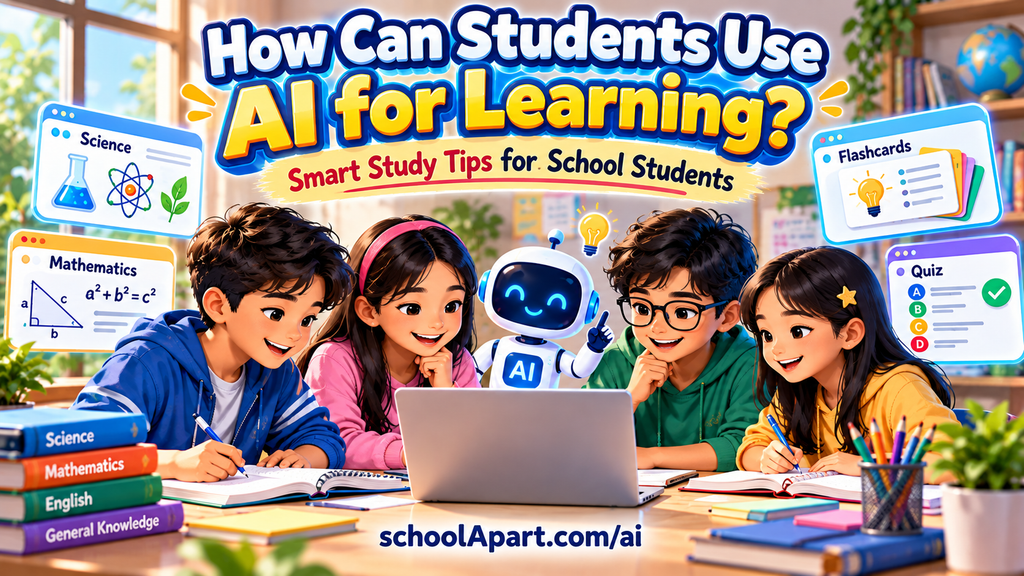
Our guide, How Can Students Use AI for Learning?, explains how students can use AI for study support while remaining active learners.
10. Know When to Ask a Trusted Adult for Help
You do not have to solve every AI-related problem on your own.
Ask a parent, teacher, school counselor, or another trusted adult if:
- An AI tool asks for private or sensitive information.
- You encounter disturbing or inappropriate content.
- Someone uses AI-generated content to threaten, embarrass, or impersonate you.
- You are unsure whether a tool is suitable for your age.
- AI gives advice that could put you or someone else at risk.
- You accidentally share private information and are worried about it.
If you have shared sensitive information by mistake, stop sharing more. With help from a trusted adult, follow the service’s available privacy or account-security steps. If a password was exposed, change it through the official service and enable additional account protection where available.
If someone is in immediate danger, contact a trusted adult or the appropriate local emergency service.
Asking for help is a smart safety habit—not something to feel ashamed of.
A Simple AI Safety Checklist for Students
Before using an AI tool, remember these rules:
- I will not share passwords, private details, or sensitive documents.
- I will check the tool’s age requirements and follow school rules.
- I will be careful with uploaded photos, files, and recordings.
- I will not automatically trust every AI answer.
- I will not follow advice that seems unsafe.
- I will respect other people’s privacy and work.
- I will ask a trusted adult if I am unsure.
- I will use AI to support my learning, not replace my thinking.
You can use this checklist whenever you try a new AI tool or use AI for a school task.
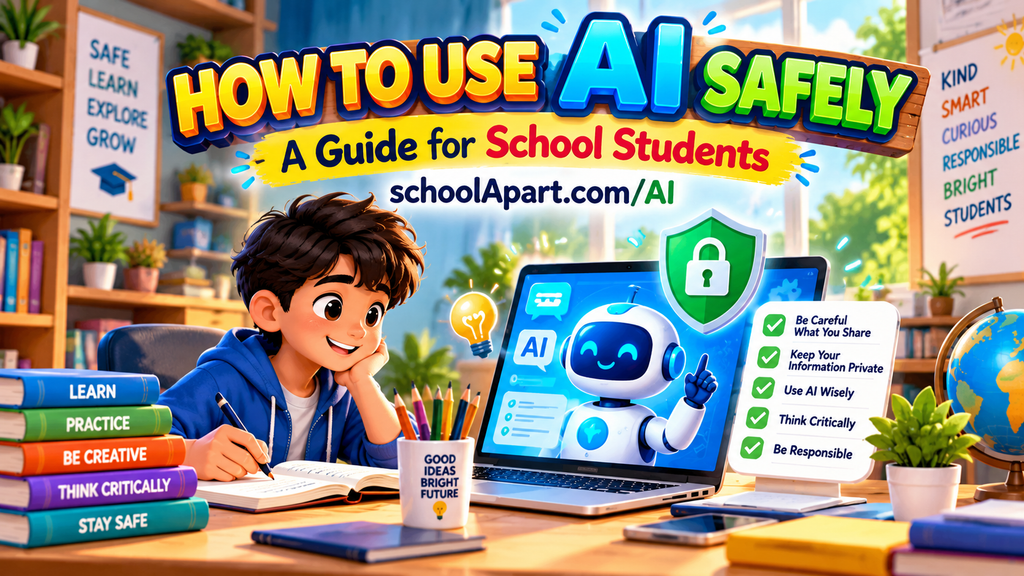
AI can be a helpful learning assistant when students use it carefully. Protecting personal information, choosing age-appropriate tools, checking important advice, respecting others, and following school rules are essential parts of safe AI use.
You do not need to know everything about technology to make safer choices. Start with simple habits: share less personal information, pause before following advice, and ask a trusted adult whenever you are uncertain.
The most important rule is simple: use AI thoughtfully, protect your privacy, and stay in control of your learning.
Visit our AI Learning Hub for more student-friendly guides on understanding AI, using it for learning, and developing responsible AI skills.
Frequently Asked Questions (FAQ)
1. How can school students use AI safely?
Students can use AI more safely by protecting personal information, checking age requirements, following school rules, verifying important answers, and asking a trusted adult for help when needed.
2. What information should students never share with AI?
Students should avoid sharing passwords, login codes, home addresses, personal phone numbers, school IDs, private records, financial details, and other sensitive information.
3. Is AI safe for children?
Safety depends on the tool, the child’s age, the type of activity, and the safeguards in place. Students should follow official age requirements and use appropriate parental or teacher guidance.
4. Can students upload homework or photos to AI tools?
Some tools allow file uploads, but students should check the school’s rules and avoid uploading confidential documents, private information, or other people’s photos without appropriate permission.
5. Should students trust all AI answers?
No. AI can make mistakes or provide outdated or misleading information. Students should verify important facts with textbooks and reliable sources. For serious health or safety matters, they should seek appropriate human guidance.
6. What should students do if they accidentally share private information with AI?
They should stop sharing more information and tell a trusted adult. Depending on what was shared, they may need to review account settings, remove content where possible, or change an exposed password through the official service.
7. Can students use AI for homework?
That depends on the school’s rules and the teacher’s instructions. AI may be useful for explanations, hints, and practice, but students should not submit AI-generated work as their own when this is prohibited.
8. What should students do if AI gives unsafe advice?
They should not follow the advice. They should ask a parent, teacher, or another trusted adult for help and consult a qualified professional when the situation requires it.


Leave a Reply